

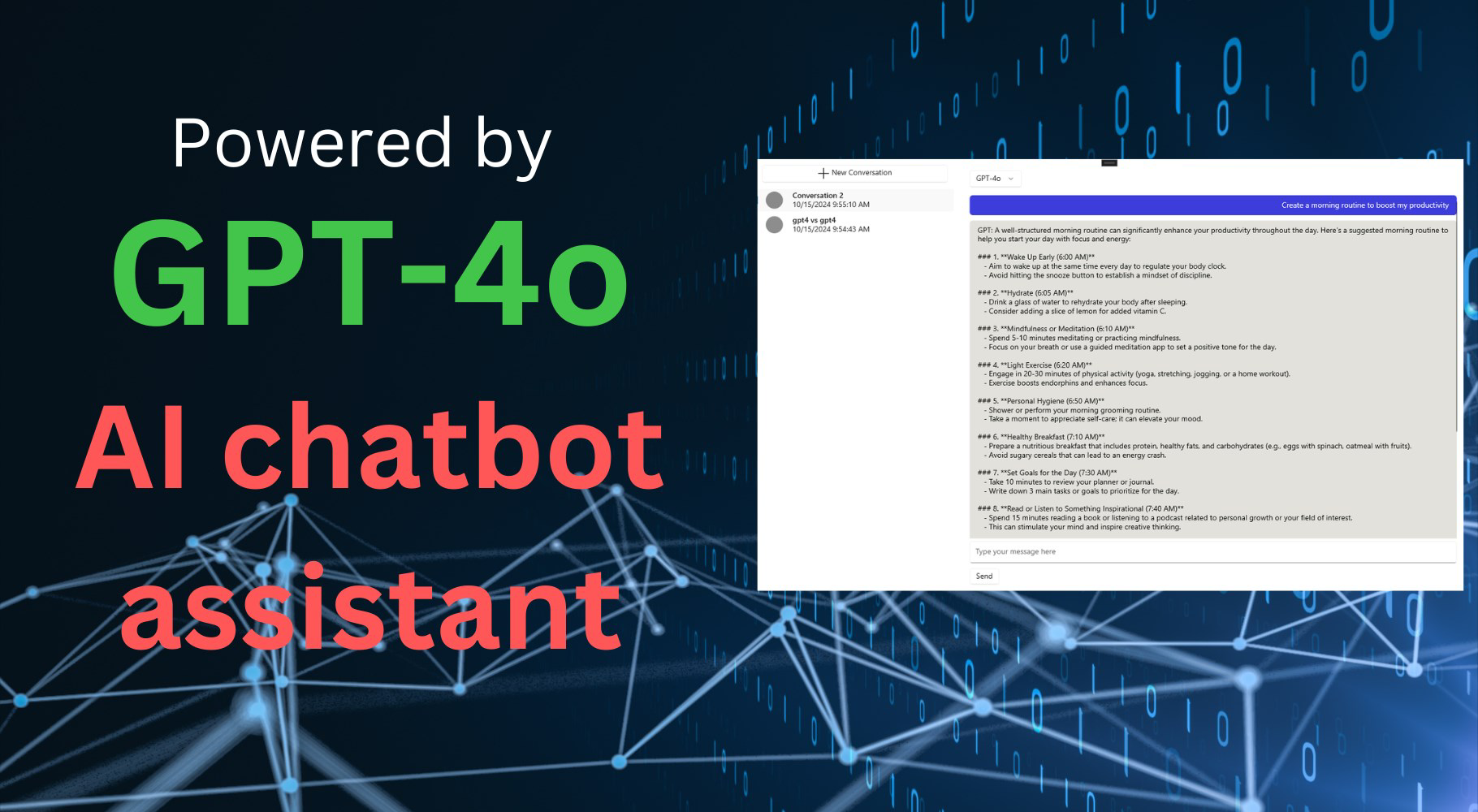


Description
Download AI OpenChat – Chat with GPT-4o, GPT-4o1, Claude Sonnet 3, Document Querying, Local Storage, AI Assistant
Overview
AI OpenChat is a productivity-focused mobile application designed to deliver advanced AI-powered conversational experiences directly on smartphones. The app integrates cutting-edge language models, including GPT-4o, GPT-4o1, and Claude Sonnet 3, enabling users to engage in intelligent, context-aware dialogues. Its primary purpose is to support users in tasks ranging from academic research and professional documentation to personal knowledge management. By offering features like document querying and auto-summarization, the app aims to reduce time spent on information retrieval and content synthesis.
Target users include students, researchers, writers, and professionals who rely on fast, accurate, and private AI assistance. The app positions itself as a secure alternative to cloud-based chat platforms by storing all conversations locally on the user’s device. This design choice emphasizes data privacy and minimizes exposure to external risks. Real-world use cases include summarizing lengthy research papers, extracting key points from meeting notes, and drafting emails or reports with AI support. In the broader app ecosystem, AI OpenChat fills a niche for lightweight, privacy-first AI tools that do not require account creation or data sharing.
Developed by AI OpenChat, the app was released on October 17, 2024, and is available on both Android and iOS platforms. Although the developer did not provide additional technical details about their background, the app’s focus on local storage and model diversity suggests a strong commitment to user autonomy and performance. The free version offers access to foundational models, with premium upgrades available for enhanced capabilities.
Key Features & Functionality
- Advanced AI Integration: The app leverages multiple state-of-the-art AI models, including GPT-4o, GPT-4o1, and Claude Sonnet 3, allowing users to select the most suitable model for their task. This flexibility enables deeper contextual understanding and more accurate responses, especially for complex queries.
- Document Querying: Users can upload and query documents in common formats such as PDF, Word, and Excel. The app extracts relevant information from these files without requiring manual search, streamlining workflows for research and data analysis.
- Local Data Storage: All conversation history and document data are stored exclusively on the user’s device. No personal or sensitive information is transmitted to external servers, ensuring a high level of privacy and compliance with data protection standards.
- User-Friendly Interface: The app features a clean, intuitive layout that simplifies navigation and interaction. Even users with limited technical experience can quickly learn to use the core functions, such as starting a new chat or uploading a file.
- Upgrade Options Available: While the free version provides access to basic models like GPT-4.1-mini and GPT-4.0-mini, a PRO version unlocks advanced features, including full access to premium models and enhanced query capabilities.
For example, a student can upload a 50-page research PDF and ask the app to summarize key findings in bullet points. A professional might use the app to draft a project proposal by querying a shared Excel file for past performance metrics. These real-world applications highlight the app’s utility in enhancing efficiency and decision-making.
Interface, UX & Performance
The user interface of AI OpenChat is designed with clarity and accessibility in mind. The layout features a chat-centric view with a minimalist design, emphasizing content over distractions. Navigation is straightforward, with clearly labeled buttons for starting new conversations, managing documents, and accessing settings. The app uses consistent visual cues and responsive feedback to guide users through each step.
Performance is optimized for mobile use, with quick load times and smooth interaction across various device categories. Although the developer did not list formal performance metrics, the app’s 24 MB file size suggests a lightweight footprint, which contributes to efficient memory usage and minimal battery drain. Responsiveness is maintained during document processing, and the app remains stable during extended use.
Users can expect a reliable experience across both Android and iOS platforms. The app does not display crashes or freezes during typical operations, and transitions between screens are fluid. While the developer did not specify compatibility with older OS versions, the app’s lightweight nature implies broad accessibility. Overall, the UX is polished and focused on functionality, making it suitable for daily use without technical friction.
Platform Compatibility & Technical Requirements
AI OpenChat is available on both Android and iOS platforms, ensuring broad accessibility for smartphone users. The app is currently released in version 1.0.0 and has a file size of 24 MB, indicating a compact and efficient design. This small footprint supports quick downloads and minimal storage consumption.
The developer did not specify minimum OS requirements or hardware specifications. As such, compatibility with specific device models or older operating systems cannot be confirmed. Users are advised to ensure their device meets the general requirements for running modern mobile applications. The app’s cross-platform availability allows users to maintain consistent access to their conversations and documents across different devices.
Pros and Cons
Pros
- Privacy-focused design with local data storage on the user’s device.
- Access to multiple advanced AI models, including GPT-4o and Claude Sonnet 3.
- Support for document querying across common file formats like PDF, Word, and Excel.
- Intuitive interface suitable for users of all technical skill levels.
- Free version available with core functionality, allowing users to test the app without cost.
Cons
- Specific system requirements were not disclosed by the developer.
- Advanced features require a paid upgrade, limiting full functionality in the free version.
- No cloud sync or cross-device backup is mentioned, which may affect data continuity.
- Developer background and company details were not provided.
- Update frequency and future roadmap are not publicly shared.
FAQ
Is AI OpenChat secure for handling sensitive information?
Yes, the app stores all conversations and uploaded documents locally on the user’s device. No data is transmitted to external servers, which enhances privacy and security.
Can I use AI OpenChat without creating an account?
Yes, the app does not require registration or account creation. Users can start chatting and uploading documents immediately after installation.
What file types can I upload for querying?
The app supports common document formats including PDF, Microsoft Word (.docx), and Excel (.xlsx) files.
Is the app available for both Android and iOS?
Yes, AI OpenChat is available on both Android and iOS platforms, providing cross-platform access.
How often does the app receive updates?
The developer has not disclosed the update schedule. Users should check their app store for the latest version.
Final Thoughts
AI OpenChat stands out in the growing landscape of AI tools by combining powerful language models with a strong emphasis on privacy. Its ability to query documents locally and store conversations securely makes it a compelling choice for users who value control over their data. The free version offers meaningful functionality, while the PRO upgrade path provides access to advanced models for those seeking deeper capabilities.
Students, researchers, and professionals who frequently handle large volumes of text and data will benefit most from this app. Its intuitive design and efficient performance ensure a seamless experience without compromising on security. For anyone looking to integrate AI into their daily workflow with confidence, AI OpenChat delivers a balanced mix of power, simplicity, and privacy.
Download AI OpenChat now
Guides & Tutorials for AI OpenChat - Chat with GPT-o4 models
How to install AI OpenChat - Chat with GPT-o4 models
- Click the Preview / Download button above.
- Once redirected, accept the terms and click Install.
- Wait for the AI OpenChat - Chat with GPT-o4 models download to finish on your device.
How to use AI OpenChat - Chat with GPT-o4 models
This software is primarily used for its core features described above. Open the app after installation to explore its capabilities.
User Reviews for AI OpenChat - Chat with GPT-o4 models 0
No reviews found


